
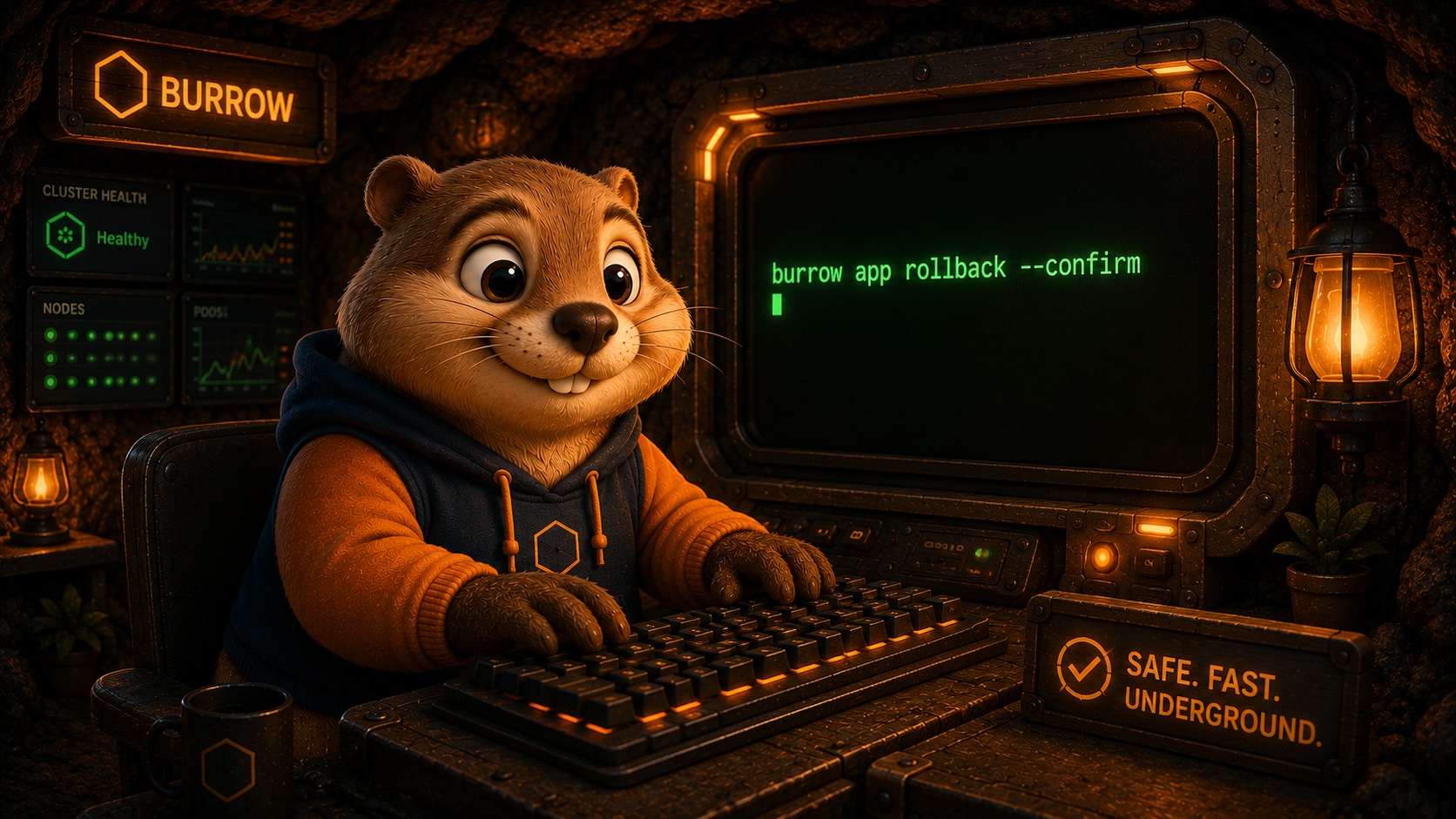
Most tools treat the command line as a fallback: a place you go when the dashboard cannot do the thing you actually need. We built Burrow the other way around. The terminal is the main surface, because the terminal is where you already are.
The place you already work
You are in your editor, in a shell, moving between branches and logs and tests. Context switching out to a web console breaks that flow, and worse, it hides what is really happening behind buttons and confirmation modals. A button says "Deploy". It does not say what it will change, what it will keep, or how to undo it.
A command does. When you run a deploy, roll back, or expose a service, the action is right there in plain text. You can read it, copy it, put it in a script, or paste it into an issue when something looks off. Nothing is buried two menus deep.
burrow app deploy website --image ghcr.io/burrow-cloud/website:2026-07-03
burrow app rollback website        # back to the previous revision, kept warm
burrow guard set app.delete confirm --env prod   # this one now needs a sign off
Every one of those is legible on its own. You do not need to have watched a demo to know what rollback does. The verb is the verb, the app is named, and the flags say the rest out loud.
One noun, one verb, every time
The whole CLI is built on a shape you learn once and then stop thinking about: burrow app <verb> <app>. Deploy an app, check its status, read its logs, roll it back, scale it, delete it. The noun comes first, the verb is a plain English word, and the app you are acting on is named right there. There is no hidden state, no "current app" you might have forgotten you selected, no mode you can be in without noticing.
burrow app deploy   api --image ghcr.io/acme/api:1.4.2
burrow app status   api
burrow app logs      api --tail 100
burrow app scale     api 3
burrow app rollback  api
burrow app delete    api
Read that top to bottom and you already know most of the tool. That is the point. A good CLI is one where the second command you ever run is a guess you get right, because the first one taught you the pattern. When the shape is this regular, muscle memory does the work and the docs become something you reach for rarely instead of constantly.
Environments follow the shape too, and they are their own small vocabulary because you switch between them constantly. burrow env list shows what you have, burrow env use staging sets where your next commands land, and burrow env add, rename, and remove manage the set. Once you have selected an environment, the app verbs read naturally against it: you are not threading a --context flag through every line, you are working in a place you chose out loud a moment ago. When you do want to be explicit for a single command, the --env flag says exactly which environment you mean, right there in the line, so a script that touches prod can never be mistaken for one that touches staging.
burrow env list                 # what environments exist
burrow env use staging          # work here until I say otherwise
burrow app deploy web --image ghcr.io/acme/web:1.9.0
burrow app deploy web --image ghcr.io/acme/web:1.9.0 --env prod   # this one, explicitly
Config and secrets follow the same shape, with one deliberate difference that matters:
burrow app config set  api LOG_LEVEL=debug
burrow app config list api
burrow app secret set  api DATABASE_URL      # prompts you, value never echoed
Non-secret config is plain: you set it, you list it, you can read it straight back. Secrets are different on purpose. When you run secret set, Burrow prompts you at your own terminal and the value never appears on the command line, never lands in your shell history, and is never printed back. You can confirm a key exists, but the tool will not read its value back to you. That asymmetry is a feature, not an oversight, and it is the same everywhere the CLI touches a secret.
Legible by design, which means scriptable
Because every action is a command with a clear name, the CLI composes the way the rest of your terminal does. A deploy is not a thing that only happens when you click a button in a tab you left open. It is a line you can put in a script, gate behind a test, or paste into an issue when something looks off.
# ship only if the tests pass, then confirm it landed
go test ./... && \
  burrow app deploy web --image ghcr.io/acme/web:$(git rev-parse --short HEAD) && \
  burrow app status web
The tag there is your git short SHA, so the image reference is traceable back to the exact commit that produced it. Nothing about that line is Burrow specific magic. It is just commands, chained with the same && you already use, doing exactly what they say. When a deploy is a command instead of a click, your existing habits carry straight over: history, aliases, shell functions, the works.
Shell completion comes in the box for bash, zsh, fish, and PowerShell, so the discoverability you would get from a menu is there in the terminal instead. Tab through the verbs, tab through your app names, tab through the flags.
burrow completion zsh > "${fpath[1]}/_burrow" # then start a new shell
Once that is wired up, exploring Burrow is a matter of pressing Tab. You do not have to remember whether it is scale or resize; you type burrow app sc and let completion finish the thought. Discovery lives where you work instead of in a sidebar.
The human CLI and the agent CLI are two doors to one house
Burrow ships two front ends, and the split between them is deliberate. burrow is the tool you use as a human: it installs Burrow into your cluster, wires up an agent, sets your config and secrets, and drives the day to day. burrow-agent is a second, narrower CLI built for your AI coding agent to invoke directly.
They are not the same binary wearing two hats, and the differences are the interesting part:
burrow-agentspeaks JSON first. Where the human CLI prints a friendly table, the agent CLI emits structured output an agent can parse, reason over, and turn into its next move.burrow-agent status webhands back a machine readable object; the agent reads the fields and decides what to do without scraping a pretty printed screen.burrow-agentholds no cluster credentials. None. The piece you install into your cluster is the only thing that holds the keys and talks to Kubernetes. The agent CLI is a thin client that asks that piece to act; it cannot reach your cluster on its own, so handing an agent theburrow-agentsurface is not handing it your infrastructure.burrow-agentis capability reduced. It carries the operate verbs, the ones an agent needs to do useful work: deploy, status, logs, rollback, scale, autoscale, run, reachability, plus read only views of your apps, audit log, config keys, and environments. It does not carry the install-the-cluster, hold-the-root-keys verbs. Those stay with you.
# what your agent runs, and what it gets back
burrow-agent status web        # -> JSON: replicas, revision, health, image
burrow-agent logs   web --tail 50
burrow-agent apps              # -> JSON array of your apps
The JSON-first shape pays off most on the read side, where an agent needs to look before it leaps. burrow-agent logs-query and burrow-agent metrics-query hand back structured results an agent can filter and reason over, so it can answer "is this app healthy" or "did errors spike after the last deploy" without a human squinting at a wall of text. The same read surface covers burrow-agent audit, burrow-agent config, burrow-agent secret, burrow-agent environments, and burrow-agent addons, so an agent can build an accurate picture of the world before it changes anything in it. And because burrow-agent secret can confirm a key exists but never returns its value, the agent knows the app is configured without ever being handed the credential.
Two doors, one house. The rules inside are the same no matter which door you come through, which is exactly what the next section is about.
Your agent speaks the same language
Here is the part that makes this matter more over time. When you point your AI coding agent at your cluster, it does not get a special hidden API with its own private rules. It runs the same operations you do, through burrow-agent, under the same guardrails enforced in the same place. A held action is held whether a human or an agent asked for it. An action you have denied in prod is denied for the agent too, no matter how confidently it asks.
That shared surface is why the whole thing stays legible even as an agent does more of the work. You are never in a situation where the agent can reach a lever you cannot see. Every move it makes is a command you could have typed, recorded the same way, gated the same way. When you read back what happened, it reads like a session you might have run yourself, because in a real sense it is.
There is one line that never crosses the agent's channel: your code. The agent does not stream your source anywhere. It builds a container image with ordinary tooling, pushes it to a registry your cluster can pull from, and then deploys by reference. Only the image reference and small metadata (env keys, a command, a replica count) travel over the agent's channel. The conveyor belt for code is the registry; the agent CLI is just the remote control. Secrets never cross it either: you set those at your own terminal, and the agent can confirm a key exists without ever seeing its value.
What can go wrong, and how the CLI tells you
A first class CLI earns its keep on the bad days, not the good ones. A few of the sharp edges you will actually meet:
- You deploy a tag that does not exist, or the cluster cannot pull. The deploy does not silently hang. Check
burrow app status <app>, which shows the current revision and health, andburrow app logs <app>for the pull error. Fix the tag or the registry credentials and deploy again. - A registry the cluster cannot reach. Private images need a pull credential.
burrow registry login <host>sets that up once so future deploys just work. - An action you expected to run gets held instead. That is a guardrail doing its job. The result tells you exactly which action, on which app, in which environment is waiting on your sign off. You approve it, then retry with
--confirm. Nothing goes out behind your back, and nothing is auto confirmed on your behalf. - You are not sure what actually happened.
burrow auditis the record. Every guarded operation lands there, human or agent, so "who deployed what, when, and did anyone approve it" is a single command away rather than a forensics project.
None of those need a dashboard. The failure mode is a line of text you can read, and the recovery is another command you can run.
One surface, one set of rules
That is the whole design. One legible surface for humans, one JSON-first surface for agents, and one set of rules underneath that does not care which door you came through. With a PaaS they run your app on their platform and the terminal is a courtesy wrapper over someone else's console. Burrow runs your app on infrastructure you own, and the terminal is the real thing: every deploy, every rollback, every guardrail, one clear command away, legible enough to read, script, and hand to an agent without ever losing track of what is happening on your own cluster.