
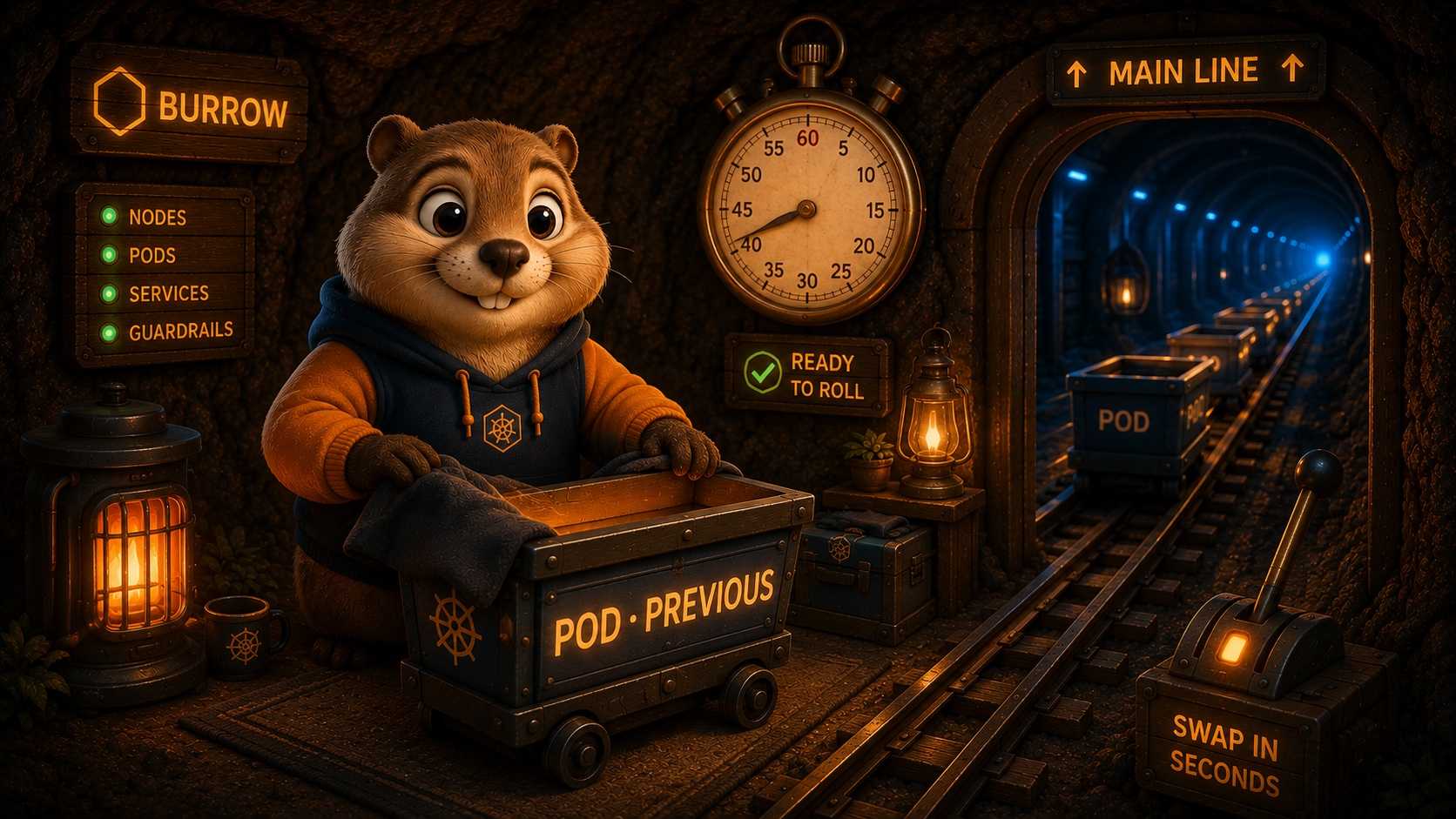
A rollback should feel like flipping a switch, not like rebuilding your app from scratch under pressure. That is the whole idea behind keeping the previous revision warm: when a deploy goes wrong, going back is measured in seconds, not minutes.
This post is about the mechanics. Not the command you type (that is short, and we cover it elsewhere), but what is actually sitting there ready when you type it, and why that makes going back so much faster than most people expect. If you have ever watched a "quick rollback" turn into a ten minute wait while an old build limps back to life, this is the piece that removes that wait.
What "warm" actually means
When you deploy a new version, Burrow does not throw away the version you were running. It keeps that previous revision ready to serve: already built, already started, already healthy. The image is pulled, the process is up, the thing that was working a minute ago is still sitting there, warm.
So a rollback is not a rebuild. There is no waiting on a container image to build, no cold start while a fresh process boots and warms its caches. Burrow shifts traffic back to the revision that was already good. In an illustrative run, that is the difference between a 40 second fix and a tense ten minute rebuild while your app is down.
The word "warm" is doing real work in that sentence. It is the opposite of cold, and cold is where the time goes. To see why warm is fast, it helps to look at what a cold rollback is quietly paying for.
The three costs of a cold rollback
When people say "just roll it back", they usually mean "redeploy the old version". That sounds simple, but a from scratch redeploy pays three separate costs, and every one of them is time your app is down or serving errors:
- Build. If the old version is not already a finished image sitting in a registry, something has to produce it again: check out the old commit, run the build, produce the artifact. On a good day that is a few minutes. On the day you actually need it, it is a few minutes you do not have, and it depends on your build pipeline being healthy at exactly the wrong moment.
- Pull. Even with a finished image, the cluster still has to pull it down onto the machine that will run it. A cold image can be hundreds of megabytes. That is a download, and downloads take as long as they take.
- Cold start. A fresh process has to boot. Caches are empty, connection pools are cold, anything that warms up on first traffic has not warmed up yet. For the first stretch after it comes up, the app is technically running but not really ready, and your users feel the difference.
Each of these is usually fine on a calm afternoon. Stacked on top of each other in the middle of an incident, they are exactly the wait you cannot afford. And notice that none of them is the actual rollback. They are all setup, the price of asking for a version that is not standing by.
What Burrow keeps ready
Warm rollback skips all three costs by refusing to let the previous revision go cold in the first place.
When a new deploy goes out, the version it replaced is not torn down. Its pods keep running on standby for the warm window. The image is already on the node, because it was already there a minute ago. The process is already up. The health checks are already passing, because that revision was healthy right up until you replaced it. Nothing about it needs to be rebuilt, re downloaded, or reawakened, because it never went to sleep.
That is the trick, and it is deliberately unglamorous. Burrow does not do anything clever to make a cold rollback fast. It keeps the previous revision from ever being cold, so the rollback has nothing slow left to do.
It is worth sitting with how ordinary that is. There is no special rollback engine, no clever diffing, no attempt to reverse whatever the new version did. The old version is just still there, running, the way it was a minute ago. The whole design is to make sure the fastest possible answer, the version that already works, is always within reach when you need it. Speed here is a consequence of not throwing something away, not of building something fancy to get it back.
The switch itself
With the previous revision warm, a rollback comes down to one question: where does traffic go? Burrow points it back at the revision that was already serving. Because those pods already pass their health checks, there is no ramp up, no waiting for a new thing to prove itself. Traffic that was going to the broken version is now going to the version that worked, and it happens about as fast as the router can be told.
That is the 40 second figure in the opening. It is illustrative, not a benchmark, and most of those seconds are the ordinary overhead of noticing, deciding, and letting the switch settle, not the switch itself. The point is not the exact number. The point is that a warm switch lives in a completely different bucket of time than a cold rebuild.
Your scale comes along for free
Here is a detail that matters more than it looks. A deploy in Burrow no longer resets your replica count. Scaling is a separate concern, handled on its own with burrow app scale and burrow app autoscale. Which version is live and how many copies of it are running are two independent facts.
That independence is what makes a rollback safe to reach for. If you had scaled web up to handle real traffic, going back to the previous revision does not quietly shrink you back down to a single copy. You return to the version that worked, at the scale you were already running. You are not trading one problem (a bad version) for another (suddenly under provisioned). The warm revision comes back at your current scale, and autoscaling, if you have it on, keeps doing its job across the switch.
An illustrative walk through
Say it is a normal afternoon. Your agent ships a change, and a database migration rides along with it. On paper the migration looked fine, so it slipped past review. In production, one query starts timing out, and requests begin to pile up.
You do not need to diagnose the whole thing first. You get back to a known good state, then investigate calmly.
burrow app rollback website # traffic shifts to the last good revision, kept warm
Here is what happens in the seconds after you press enter. Burrow does not go looking for the old image or start a build. The previous revision is already up, so it simply moves traffic there. Requests that were timing out against the new version start landing on the old one, which was healthy a minute ago and still is. Your error rate falls back to where it was before the deploy. You are serving again.
Because the previous revision never went cold, traffic moves back almost immediately. Your app is serving again while you still have the failing version in front of you to read. The recovery and the investigation are two separate steps, and the stressful one is already done. The rollback itself is recorded as its own release, so burrow app status website shows you exactly which revision is live now, with no ambiguity about what your users are hitting.
A quick note on honesty: this is a walk through to show how warm rollback behaves, not a war story from a real outage. The mechanism is real and shipped. The afternoon is made up.
What warm rollback does not undo
Warm rollback is a fast way back to a previous version of your code. It is not a time machine for everything that happened while the bad version was live, and it is important to be clear about the edges.
- Data is not rewound. If the bad deploy wrote rows, sent emails, or charged cards, rolling back the code does not unsend or uncharge any of it. Traffic moves to the old revision; the side effects stay.
- Migrations are not reversed. In the scenario above, the rollback gets your app serving again, but the migration that shipped with the bad deploy has already run against your database. Warm rollback moves the code back to a version that, ideally, still works against that changed schema. Making the schema itself safe again is a separate, deliberate step. This is exactly why a migration that "looked fine" is worth treating carefully.
- Config and secrets are their own layer. Changes you made with
burrow app config setorburrow app secret setare not part of the revision you roll back to. If a bad config value is the real problem, the fix is to correct the config, not only to roll back the code. - The warm window is finite. The previous revision is kept warm for a bounded window, not forever. Inside that window a rollback is the fast switch this whole post is about. Outside it, you can still get back to an old version by deploying its image reference again, but that path is a normal deploy, with the cold costs above. The window exists so that keeping every past version running forever is not the price of this feature.
None of this makes warm rollback less useful. It makes it honest about what it is: the fastest possible way to stop the bleeding, so you have room to do the real fix without an outage running in the background.
The mental model that keeps you out of trouble is simple. Warm rollback restores your code to a known good version, fast. It does not restore the world to a known good state. For the code, it is close to instant. For everything the code touched while it was misbehaving, you still own the cleanup. Keeping those two ideas separate is what lets you lean on rollback hard without expecting it to do something it never promised.
A few common questions
Does a rollback rebuild or re pull anything? No. That is the entire point. The previous revision is already built, already pulled, and already running. A rollback moves traffic; it does not manufacture anything.
How far back does it go? To the previous revision, the one you were running before the last deploy. That is the version kept warm and ready. Reaching further back into history is a normal deploy by image reference, not a warm switch.
Does keeping it warm cost me anything? The previous revision runs on standby for the warm window, so yes, it occupies resources during that time, in the same way running any healthy pod does. That standby is the price of the speed, and it is bounded by the window rather than open ended.
What if I had scaled up? Your scale is preserved. Rolling back returns you to the previous version at the number of replicas you are currently running, because scale and revision are independent.
Can a rollback be held for approval? Yes. Under Burrow's guardrails you decide in advance, per environment, whether an action runs on the spot or waits for a sign off. If you want production changes to pause for a human, they will, and warm rollback fits that model rather than bypassing it.
Why we keep it one command
Rollback is only useful if you can reach for it without thinking. If it were a long checklist, you would hesitate at the exact moment hesitation costs the most. So it is one command, and under Burrow's guardrails you decide in advance whether rollback runs on the spot or waits for a sign off, per environment.
The migration itself still needs a real fix, and warm rollback does not pretend otherwise. What it buys you is the thing you want most in a bad moment: your app back up, and room to think.